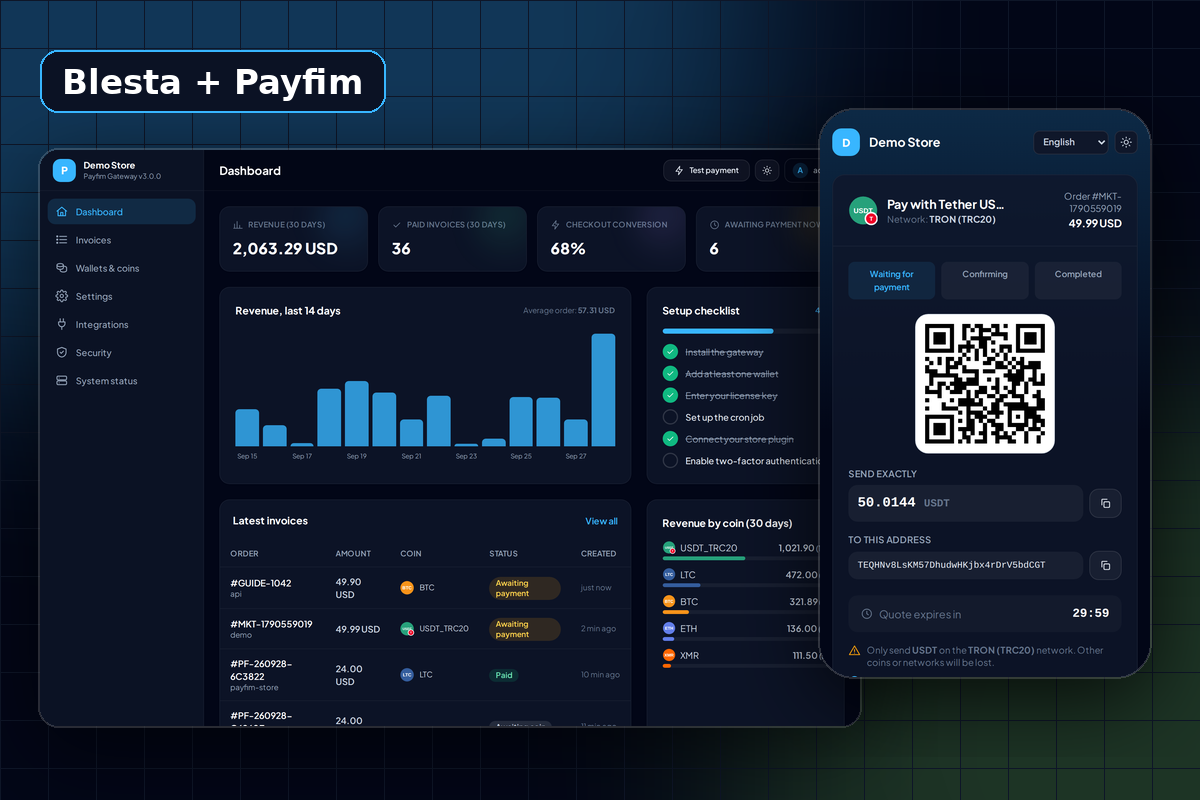
Who the Blesta crypto gateway is for
Blesta describes itself as billing, provisioning and support for web hosts, freelancers and MSPs. Those businesses share a billing pattern: many small recurring invoices, clients spread across many countries, and a support desk that has to answer "did my payment arrive?" quickly.
The Payfim gateway plugs into that pattern without changing it. Blesta keeps doing what it already does - generating invoices, suspending and unsuspending services, sending reminders. Payfim adds one more way to pay those invoices: in crypto, confirmed on the blockchain, sent to your own wallet addresses. There is no processor account behind it, so there is nothing to apply for, no payout schedule and no percentage taken from your renewals.
If you run a hosting company on another billing system, see the WHMCS module or our guide to crypto payments for web hosting companies.
Pay several Blesta invoices with one crypto payment
Blesta lets a client tick more than one open invoice on the payment page and pay them together, or pay an amount toward account credit. Payfim is built as a Blesta non-merchant gateway, the same gateway type Blesta uses for off-site payment pages, so it receives that full selection.
Here is what that looks like for a typical client with a domain renewal of $10.00 and a hosting renewal of $49.90:
- The client selects both invoices in the client area and chooses Pay with Crypto.
- The gateway creates one Payfim invoice for $59.90 on the server, together with the list of Blesta invoices it covers.
- The client picks a coin on your checkout page and sends a single payment.
- Your gateway confirms it and Blesta records one approved transaction of $59.90 that is applied to both invoices.
One blockchain transfer, one fee paid by the client, two invoices closed. For clients paying in Bitcoin or Ethereum, that saves them a second network fee.
How payments are recorded in Blesta
Blesta stores gateway transactions with a transaction ID. Payfim uses the blockchain transaction hash as that ID and the Payfim invoice number as the reference. That matters in three situations:
- Retried notifications. If your gateway delivers the same webhook twice, Blesta updates the existing transaction instead of adding a second one, so the payment is applied once.
- Payments still confirming. While the transaction waits for confirmations, it is recorded as pending. When it reaches the confirmations you set, the same transaction becomes approved and is applied.
- Reconciliation. Your accountant can take any transaction in Blesta and look up the hash on a block explorer.
If a client sends less than the invoice total (beyond the small 0.5% default tolerance), Blesta receives a pending transaction for the amount that arrived and it is not applied to any invoice. The invoice stays open, the gateway log shows "Only X of Y received", and you decide whether to ask for the difference or refund from your wallet. Our article on handling crypto underpayments and refunds covers the options.
Security checks on every Blesta callback
Payfim posts payment notifications to Blesta's standard gateway callback URL. Before anything is written, the gateway plugin checks that:
- the
X-Payfim-Signatureheader is a valid HMAC-SHA256 of the body, signed with your API key, and less than five minutes old; - the invoice still exists on your Payfim gateway when fetched directly, and its status and amount match the notification;
- the Blesta invoices being paid belong to the paying client and use the same currency as the Payfim invoice.
Forged or replayed notifications are rejected. Blesta stores the API key encrypted, and the settings form tests the connection to your gateway when you save - a wrong URL or key shows an error and nothing is stored. Read more about the design on our security page.
Which coins can Blesta clients pay with?
Any of the 16 coins and networks your Payfim gateway supports: Bitcoin, Ethereum, USDT on TRON and on Ethereum, USDC, Litecoin, Solana, XRP, TRON, Dogecoin, Bitcoin Cash, Cardano, BNB, Chainlink, Hyperliquid HYPE and Monero. You switch each one on in the gateway, not in Blesta, so adding a coin later needs no Blesta change.
For hosting clients, dollar stablecoins are usually the most practical choice because the amount you receive does not move with the market. Start with USDT on TRON and Bitcoin, then add more from the supported coins list.
Recommended gateway settings for Blesta renewals
Most of the tuning happens in the Payfim gateway rather than in Blesta. For a hosting business billing monthly and yearly renewals, these settings work well as a starting point:
- Run the cron job every minute. The gateway checks the blockchain on a schedule, so a one-minute cron keeps the time between "client paid" and "invoice paid in Blesta" short. See setting up the cron job.
- Keep the default confirmations unless you have a reason to change them - for example 1 for Bitcoin, 2 for Litecoin and 6 for Ethereum tokens. Raise them for large invoices such as dedicated server contracts.
- Leave the 30-minute rate lock on. The client sees a fixed crypto amount while they pay. Late payments after the quote expires are still detected, so you can review them instead of losing track.
- Consider a crypto discount. A negative price adjustment, such as -5%, encourages clients to use a payment method with no chargebacks.
Requirements
| Blesta | 5.x |
|---|---|
| PHP | 7.4 - 8.4 (as supported by your Blesta version) |
| Gateway type | Non-merchant (off-site checkout) |
| Currencies | The Blesta currencies you tick in the gateway settings |
| Gateway | Payfim Gateway 3.0+ (included in your download) |
| Network | HTTPS, and your Blesta site reachable from the gateway server |
How to install the Blesta crypto payment gateway
- Install the Payfim gateway. Upload the
payfim-gatewayfolder to your hosting (for examplepay.yourhost.com), run the installer and add your wallet addresses. See installing the Payfim gateway. - Upload the Blesta gateway. Unzip
payfim-blesta.zipand upload the contents ofupload/to your Blesta root. This createscomponents/gateways/nonmerchant/payfim/. - Install it. In Blesta go to Settings → Company → Payment Gateways → Available and click Install next to Payfim Crypto Payments.
- Connect. Enter your Payfim Gateway URL and the API key from Payfim dashboard → Integrations, tick the currencies you accept and click Update Settings. The connection is tested on save.
- Test. Create a small invoice for a test client and pay it from the client area with Pay with Crypto. The full walkthrough is in the Blesta docs.